
 Português
 English
 Español
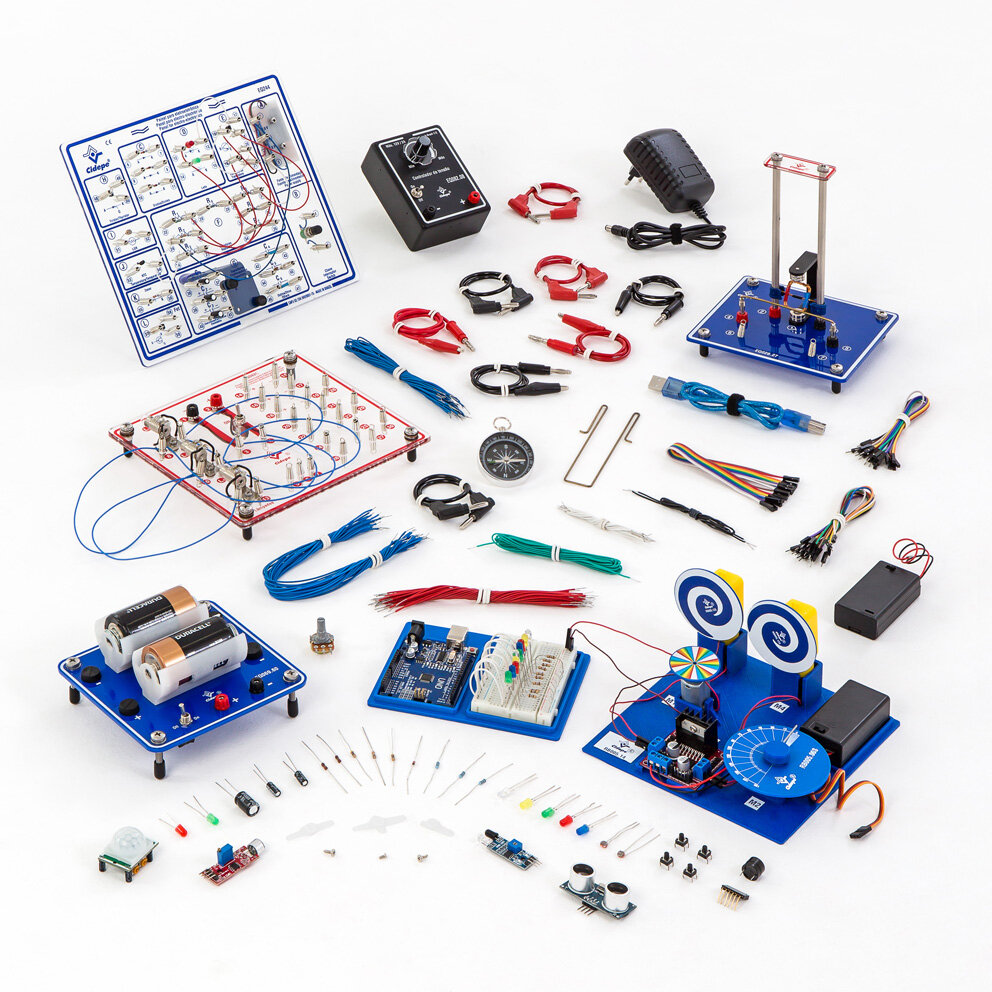
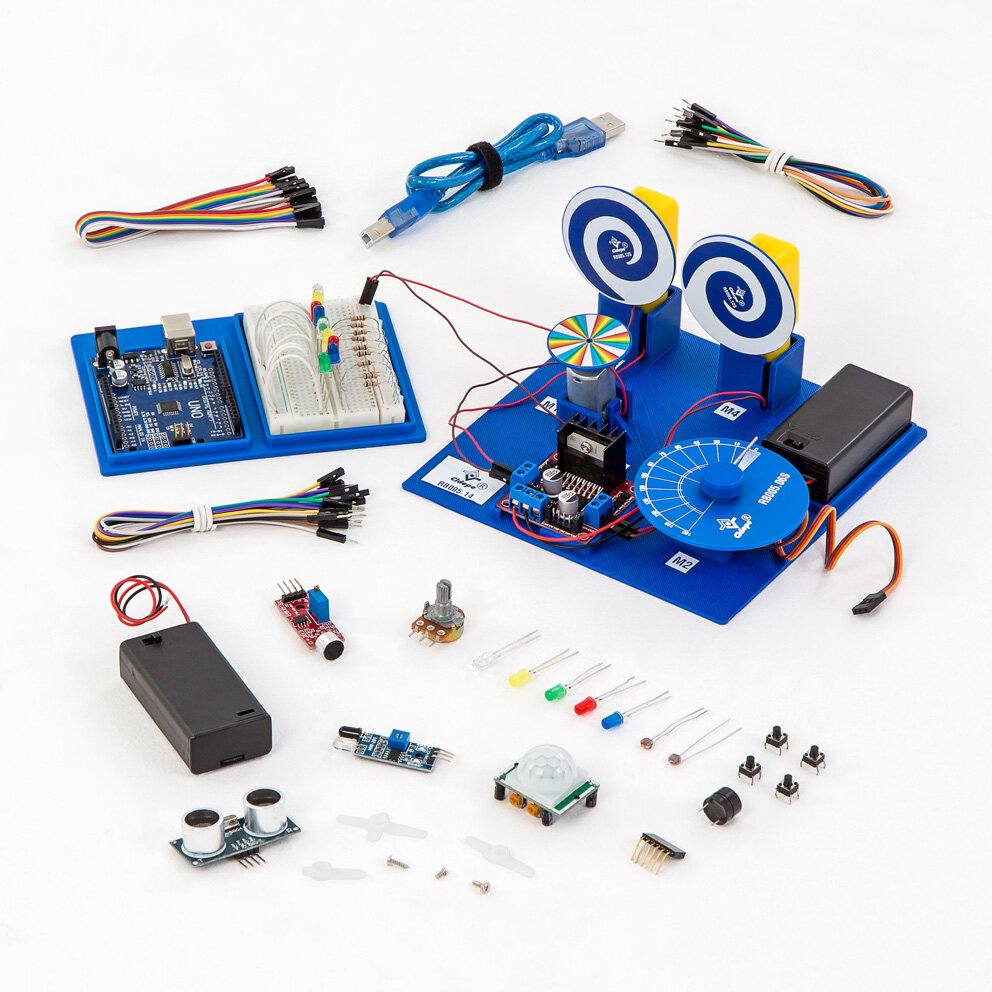
Robotic set with microcontroller
Code: RB005
Function
Intended for experimental study, robotics laboratory, and robotics experiments on: Robotics, Electronics, and Programming. Lighting sequences of colored LEDs with Arduino. Building an electrical circuit with Arduino, a breadboard, resistors, and colored LEDs. Selecting the Arduino board and connection port. Programming the Arduino to light colored LEDs in a defined sequence. Testing the electronic device. Controlling colored LEDs with Arduino and buttons. Building an electrical circuit with Arduino, a breadboard, resistors, colored LEDs, and buttons. Programming the Arduino to light colored LEDs by pressing buttons. Emergency light with Arduino and light sensor (LDR). Building an electrical circuit with Arduino, breadboard, light sensor (LDR), resistors, and LEDs. Programming the Arduino to control the intensity of light emitted by a set of LEDs using a light sensor. Presence detector with Arduino and a PIR sensor. Preparing the PIR sensor. Building an electrical circuit with Arduino, a breadboard, a presence sensor (PIR), resistors, and LEDs. Programming the Arduino to control LED lighting using a presence sensor. Parking sensor with Arduino, an ultrasonic sensor, and a buzzer. Building an electrical circuit with Arduino, a breadboard, an ultrasonic sensor, a buzzer, resistors, and LEDs. Programming the Arduino to control LEDs and a buzzer using an ultrasonic sensor. Detecting presence with Arduino and an infrared sensor and buzzer. Building an electrical circuit with Arduino, a breadboard, an infrared sensor, a buzzer, resistors, and LEDs. Programming the Arduino to control LEDs and a buzzer using an infrared sensor. Qualitative sound intensity indicator with a sound sensor and Arduino. Building an electrical circuit with Arduino, a breadboard, a sound intensity sensor, resistors, and LEDs. Programming the Arduino to control a set of LEDs using a light intensity sensor. How to adjust the sensitivity of the sound sensor. Adjust sensitivity using the sensor potentiometer. Sensitivity adjustment through software, etc.Note: Does not include 9 V batteries and AA batteries.
Assemble project

Main experiments (visual example)
- Lighting up colored LED sequences with Arduino 1092.030
- Controlling colored LEDs with Arduino and buttons. 1092.031
- Emergency light with Arduino and LDR light sensor. 1092.032
- Presence detector with Arduino and PIR presence sensor. 1092.033
- Parking sensor with Arduino, ultrasonic sensor and buzzer. 1092.034
- Detecting presence with Arduino and infrared sensor, buzzer. 1092.035
- Qualitative sound intensity indicator with sound sensor and Arduino. 1092.036
- Controlling a mini DC motor with a potentiometer. 1092.037
- Newton's disc with mini DC motor. 1092.037A
- Learning angles with servomotor. 1092.038
- Controlling two DC motors using an H-bridge. 1092.039